
Granting user access
Managing User Access Permissions
On this page, you can determine which sub-users are authorized to access your registered HUBBOX Connect devices. The HUBBOX Connect devices that the selected user is permitted to access will be displayed here.
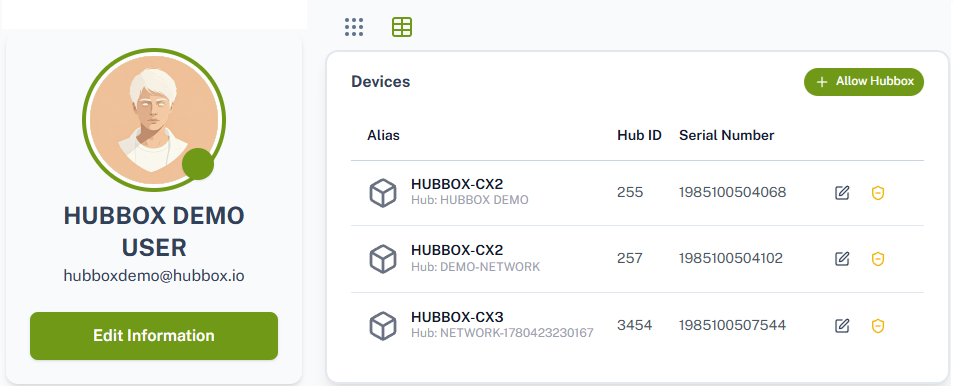
Access Permission Page Buttons and Descriptions
-
 Lists your HUBBOX Connect devices that have not yet been assigned to the selected user, allowing you to grant new access permissions.
 -
 Revokes the selected user's access permission from the specified device.
 -
 Redirects you to the detailed configuration and statistics page of the selected HUBBOX Connect device.

