
Local Panel Entry
Hubbox Device Configuration
To access and modify your Hubbox device settings, you must connect to the local Hubbox Settings Panel. Please ensure your device is powered on and physically connected to your network.
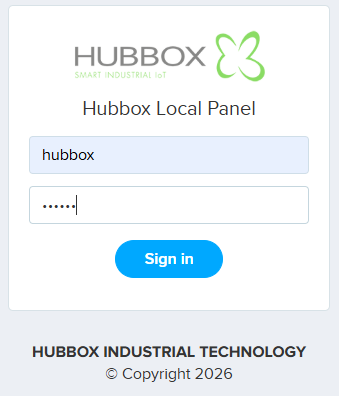
- Access the Web Interface
Launch your preferred web browser and enter the following IP address in the navigation bar:
https://192.168.24.254 - Authentication
On the User Login screen, enter your management credentials:
- Username:
hubbox(Default) - Password:
hubbox(Default)
- Username:
- Finalize Connection
Click the Sign in button to be redirected to the main dashboard.
Important Setup Notes
Connection Trouble: If the page fails to load, verify that your computer is connected to the Hubbox LAN port via Ethernet. Ensure your computer's IP is manually set to the
192.168.24.x subnet (e.g., 192.168.24.10).SSL Warning: Your browser may display a "Your connection is not private" warning due to the local self-signed certificate. Click "Advanced" and select "Proceed to 192.168.24.254 (unsafe)" to continue.
For further assistance, please visit our documentation at hubbox.io.

