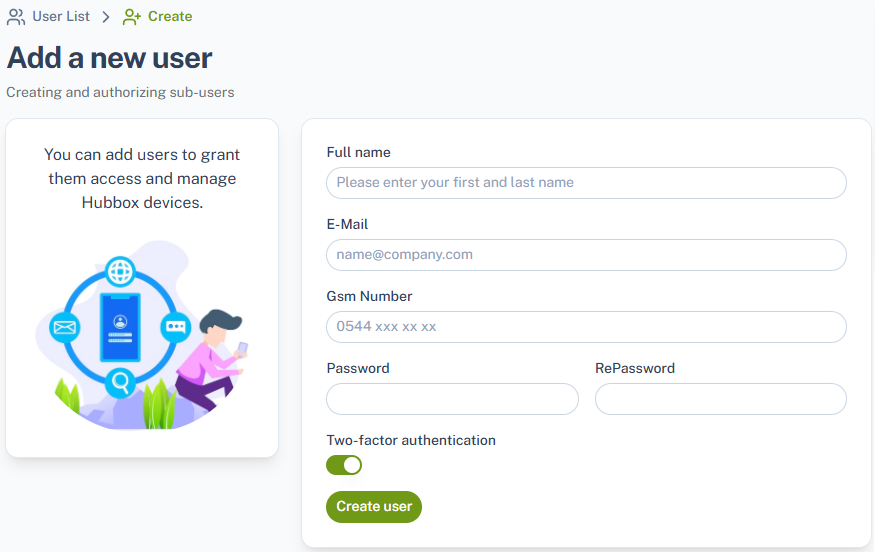
User add
Defining and Managing Sub-Users
To establish a connection with your HUBBOX devices, you need to log into the panel and create a sub-user. You can view the list of defined users by clicking the corresponding icon in the navigation menu.
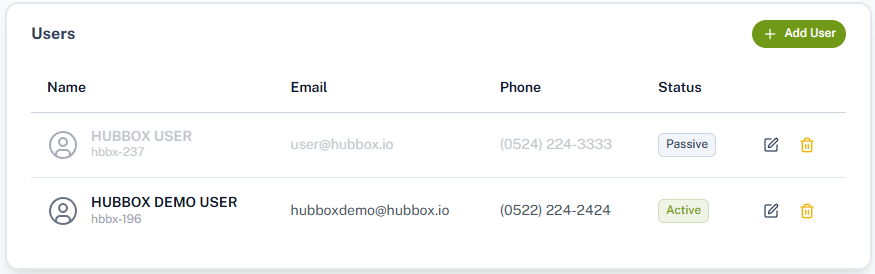
To add a new user, you can click on the add button located on the list page. Once you fill out the information on the form completely, your sub-username formatted as "hbbx-XXX", which is required to connect to your HUBBOX Connect devices, will be generated automatically.